Automatic “Reject” where possible
CBlock looks for options like “Reject,” “Only necessary,” or “Save without marketing” and tries to confirm them.
CBlock is an iOS Safari extension that automatically declines optional cookies and closes annoying overlays. Fewer clicks, more content, more safety.

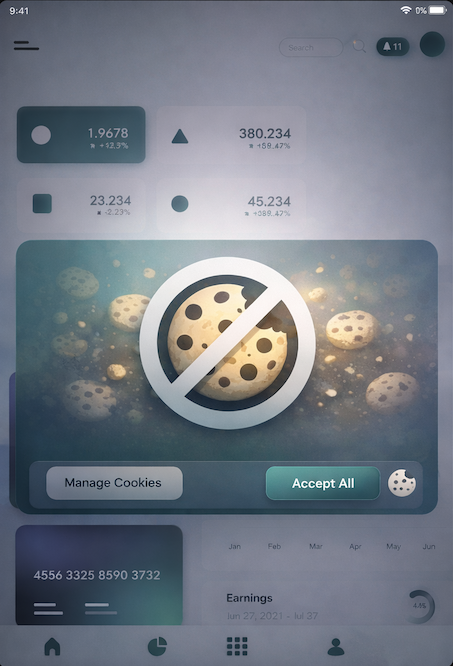
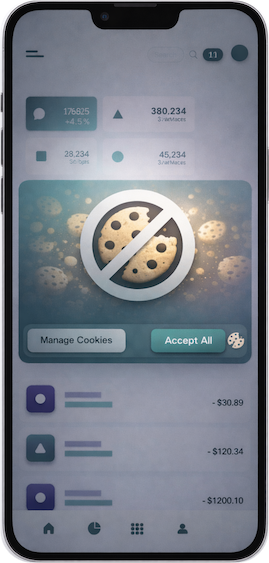

Cookie banners are often designed to push you into clicking “Agree.”
CBlock tries to choose “Reject / Only necessary” (when available) and clears modals that block the page.
Enable it once and then use Safari as usual. If a site behaves oddly, Safari lets you disable the extension for that site.
CBlock looks for options like “Reject,” “Only necessary,” or “Save without marketing” and tries to confirm them.
Helps close layers that stay over the content even after the cookie window is closed.
No Android, no accounts. CBlock is made purely for Safari on iPhone and iPad.
Settings → Apps → Safari → Extensions → CBlock → “Allow Extension”.
On some sites Safari may ask to allow access for that page. That is normal — these are Safari system permissions.
CBlock was born from frustration: cookie banners keep getting longer, add more steps, and often hide “Reject.”
We do not want another complex app — just a small tool that brings the web back to normal.
I finally do not have to hunt for the “Reject” button on every site.
On some pages it is a huge relief. I just open the article and read.
Simple. Turn it on and forget it.